
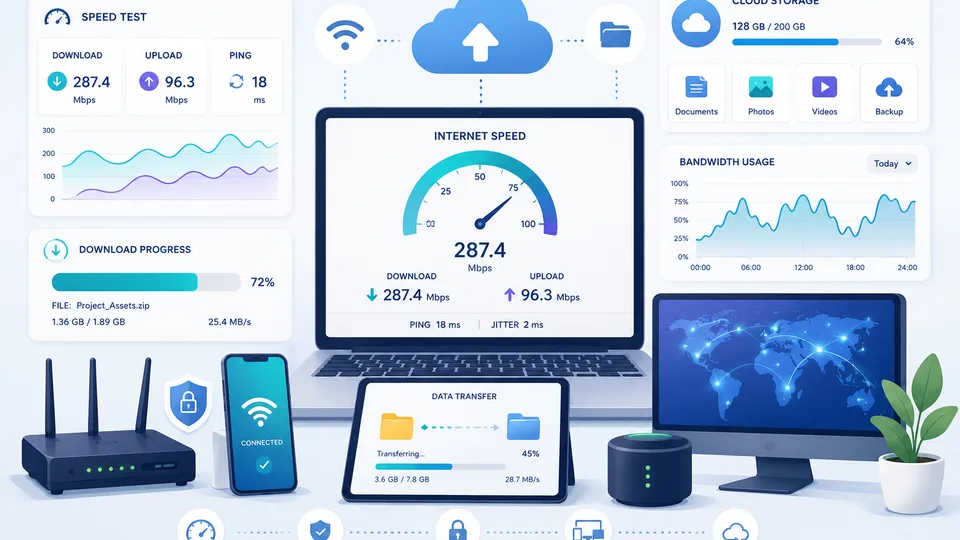
I upgraded my broadband a couple of years ago, moving from a standard FTTC package advertised at "up to 67 Mbps" to a full-fibre line promising "up to 900 Mbps". I expected a noticeable improvement. For most things, I genuinely couldn't detect one. Web browsing felt the same. Video calls were unchanged. The difference only showed itself when downloading a large game update — 60 GB that arrived in a few minutes instead of most of an hour. The upgrade was worth it for that specific use case. But the 900 Mbps figure had implied a transformation in everyday experience that didn't materialise. Understanding what broadband speed numbers actually mean, and how to calculate what they deliver in practice, closes the gap between the marketing number and real life.
What Mbps Actually Means
Mbps stands for megabits per second — the number of bits of data transferred every second. One megabit is one million bits. This is not the same as megabytes: there are 8 bits in every byte, so 100 Mbps delivers 12.5 megabytes per second (MB/s) of actual file data. When your download manager shows 10 MB/s on a 100 Mbps connection, that's normal — you're getting about 80% of the theoretical maximum after protocol overhead is accounted for.
Our internet speed calculator translates any Mbps figure into MB/s throughput and shows exactly which activities your connection supports — streaming quality, video call capability, gaming, and multi-user household use.
Download vs Upload Speed
Most home broadband connections are asymmetric: download speed (receiving data from the internet) is much higher than upload speed (sending data to the internet). A typical UK FTTC (fibre-to-the-cabinet) package might deliver 67 Mbps download and 20 Mbps upload. Full-fibre (FTTP) packages often have symmetric speeds — equal upload and download — which matters for video calls, cloud backups, and working from home.
For activities that primarily receive data — streaming, browsing, gaming updates — download speed is the relevant number. For video calls, Zoom meetings, uploading files to cloud storage, or running a website from home, upload speed matters equally.
Calculating Download Times
The formula is straightforward: Download time = File size (bits) ÷ Speed (bits per second). Convert file size to megabits (multiply GB by 8,000, or MB by 8), then divide by your Mbps speed to get seconds. A 10 GB file on a 100 Mbps connection: 10 × 8,000 = 80,000 Mb ÷ 100 = 800 seconds ≈ 13 minutes theoretical. In practice, expect 15–20 minutes accounting for protocol overhead, server limits, and network variation.
Our download time calculator handles all the unit conversion automatically — enter any file size and connection speed to get an instant estimate with real-world overhead factored in.
What Different Speeds Support
A 10 Mbps connection handles one person browsing and streaming SD video, but will struggle with HD streaming and video calls simultaneously. At 25 Mbps, one person can stream HD and make video calls without issue, though a household of three using the internet concurrently will feel the constraint. At 100 Mbps, three to five people can stream simultaneously on different devices, including 4K streams, while someone else works from home. At 500 Mbps or above, the connection is rarely the bottleneck — the limiting factor shifts to the server's capacity, your Wi-Fi setup, or your device's own storage speed.
Why Your Real Speed Is Lower Than the Package Speed
Broadband speeds are advertised as "up to" figures — the maximum the line can achieve under ideal conditions. In practice, speed is affected by distance from the nearest street cabinet (for copper-based FTTC connections), the quality of in-home wiring, Wi-Fi signal strength and interference, network congestion during peak hours (typically 8–10 pm), and the capacity of the server you're connecting to. A device connected to your router via Ethernet cable will almost always be faster than the same device using Wi-Fi.
Latency: The Other Number That Matters
Latency (ping) measures the time it takes for a signal to travel from your device to a server and back, measured in milliseconds (ms). For downloading large files and streaming, latency matters little — you're concerned with throughput. For online gaming, real-time video calls, and remote desktop sessions, latency is often more important than raw speed. A 20 ms ping feels responsive; anything above 100 ms in gaming becomes noticeable as lag. Satellite internet can deliver high download speeds (50+ Mbps) but with latency of 600+ ms, making it poor for real-time applications.
Testing and Improving Your Actual Speed
For an accurate baseline, run a speed test from a device connected to your router by Ethernet cable — not Wi-Fi. Speedtest.net and Fast.com are widely used. Test at different times of day, as peak-hour congestion can reduce speeds significantly. If your results consistently fall far below your package speed, contact your provider — Ofcom's Automatic Compensation Scheme provides credits for prolonged underperformance. For in-home improvements, upgrading your router, adding a powerline adapter, or switching from Wi-Fi to Ethernet for high-demand devices typically delivers more reliable improvement than upgrading your broadband package.
The Difference Between a Fast Connection and a Reliable One
Maximum download speed is not the same as consistency. A connection that delivers 900 Mbps at 2 am but drops to 40 Mbps during the evening peak is a different experience from one that delivers a steady 100 Mbps throughout the day. For most real-world uses — streaming, video calls, working from home — consistency matters more than peak speed. A video call uses around 3–5 Mbps and needs that bandwidth reliably for the duration of the call; brief dips cause stuttering and dropped calls. A large download at 3 am benefits from peak speed. The use cases are different.
Full-fibre (FTTP) connections tend to be more consistent than part-copper (FTTC) connections because fibre is less susceptible to interference, attenuation with distance, and the network congestion that affects shared DSLAM infrastructure. If your current connection shows large variation in speed between peak and off-peak hours, the infrastructure rather than the package tier is likely the limiting factor. Upgrading to a higher-speed package on the same infrastructure rarely improves consistency — switching to a full-fibre provider usually does.